





iPhone users can tap backs of phones to use SafeEntry to check in and out
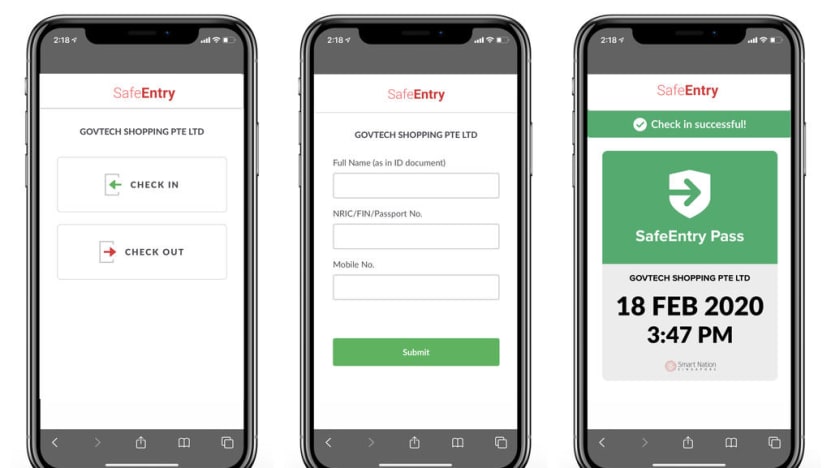
Users of recent iPhones with the latest iOS 14 software update can make use of a mobile application called Siri Shortcuts to use SafeEntry with added ease.
SINGAPORE — iPhone users can now check in and out with SafeEntry by simply tapping on the back of their phones.
This is provided they have downloaded the latest iOS 14 software update and own an iPhone 8 or newer. With these, they can make use of an iPhone mobile application called Siri Shortcuts to use SafeEntry with added ease.
The app lets users trigger certain tasks with shortcuts such as a tap or voice command.
SafeEntry is the widely used digital check-in system that keeps a log of the identification numbers and mobile numbers of people at public and private venues, in order to assist with contact tracing should it become necessary.





To start using this function, users will first have to activate Siri Shortcuts for SafeEntry in the SingPass app, a national passcode system for government e-services.
Next, in "settings", users should turn on a function called "back tap" to assign double-tapping and triple-tapping actions to check in and out with SafeEntry respectively.
Now, when a user double-taps the backs of their unlocked phones, the SafeEntry QR scanner should pop up. Triple tapping the back of the iPhone will allow users to check out.
The handy shortcut of the iOS 14 software was posted by Singaporean blogger Lee Kin Mun, better known as "mrbrown", on social media on Sunday (Sept 20) afternoon. At 10pm on Monday, his Facebook post had drawn more than 1,300 likes and 4,300 shares. On Twitter, he received 152 retweets and 310 likes.